Computing volume and thermal management
fountainjuvix.life

NUCs Against Towers: The Desktop Space Dilemma

For decades, the standard office or home computer was an ATX mid-tower—a metal box roughly 45 liters in volume taking up significant space under or on a desk. Today, the Next Unit of Computing (NUC) and similar mini PCs pack desktop-class processors into chassis smaller than 1 liter.

The miniaturization of silicon has made this possible, but the laws of thermodynamics remain absolute. Computing generates heat, and heat requires surface area and airflow to dissipate.

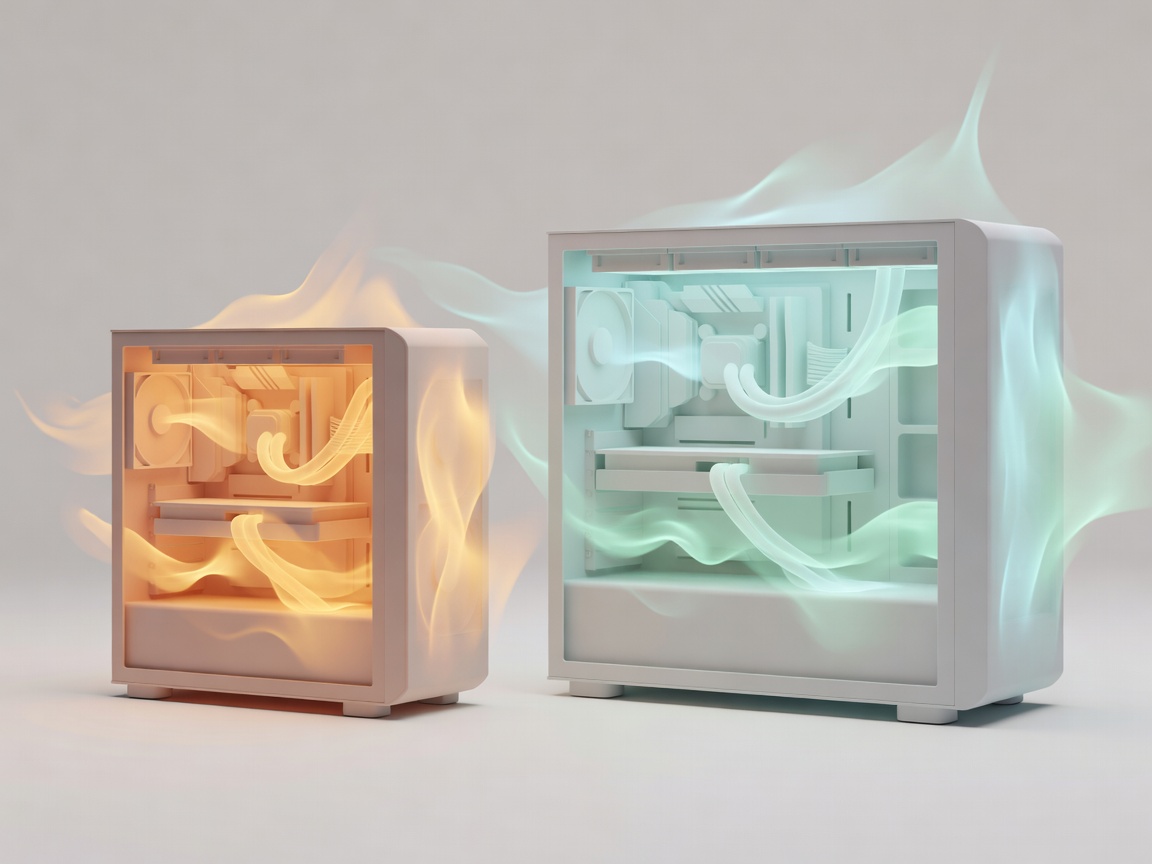
Thermals Abstract 3D render showing heat flow in a small vs large computer case

Thermal Throttling and Acoustic Penalties

When you shrink a PC, you lose the ability to use large, slow-spinning fans. A compact PC relies on laptop-style blower fans that must spin at high RPMs to move sufficient air, creating a higher-pitched, more noticeable noise profile under load. Furthermore, to prevent hardware damage, mini PCs often employ aggressive thermal throttling—automatically slowing down the processor when temperatures peak. You may buy a chip capable of 4.5GHz, but in a compact chassis, it might only sustain that speed for mere seconds.

Upgradability

Full-size towers use standardized modular components (PCIe slots, standard ATX power supplies). Compact models usually feature soldered processors and custom power delivery, limiting future upgrades to just RAM and storage.

Desk Real Estate

The primary benefit. A mini PC can be VESA-mounted behind a monitor, resulting in a zero-footprint desktop. For users who value a clean, distraction-free environment and rely mostly on web-based tasks, the trade-off in peak raw performance is entirely justified.